jenkins-demo
200Flask; bind-port mismatch (8501 vs EXPOSE 8000)
- Self-healing:
- 1 build + 2 repairs (1 nested)
HTTP 200 — sed patched port, inner loop fixed USER ordering
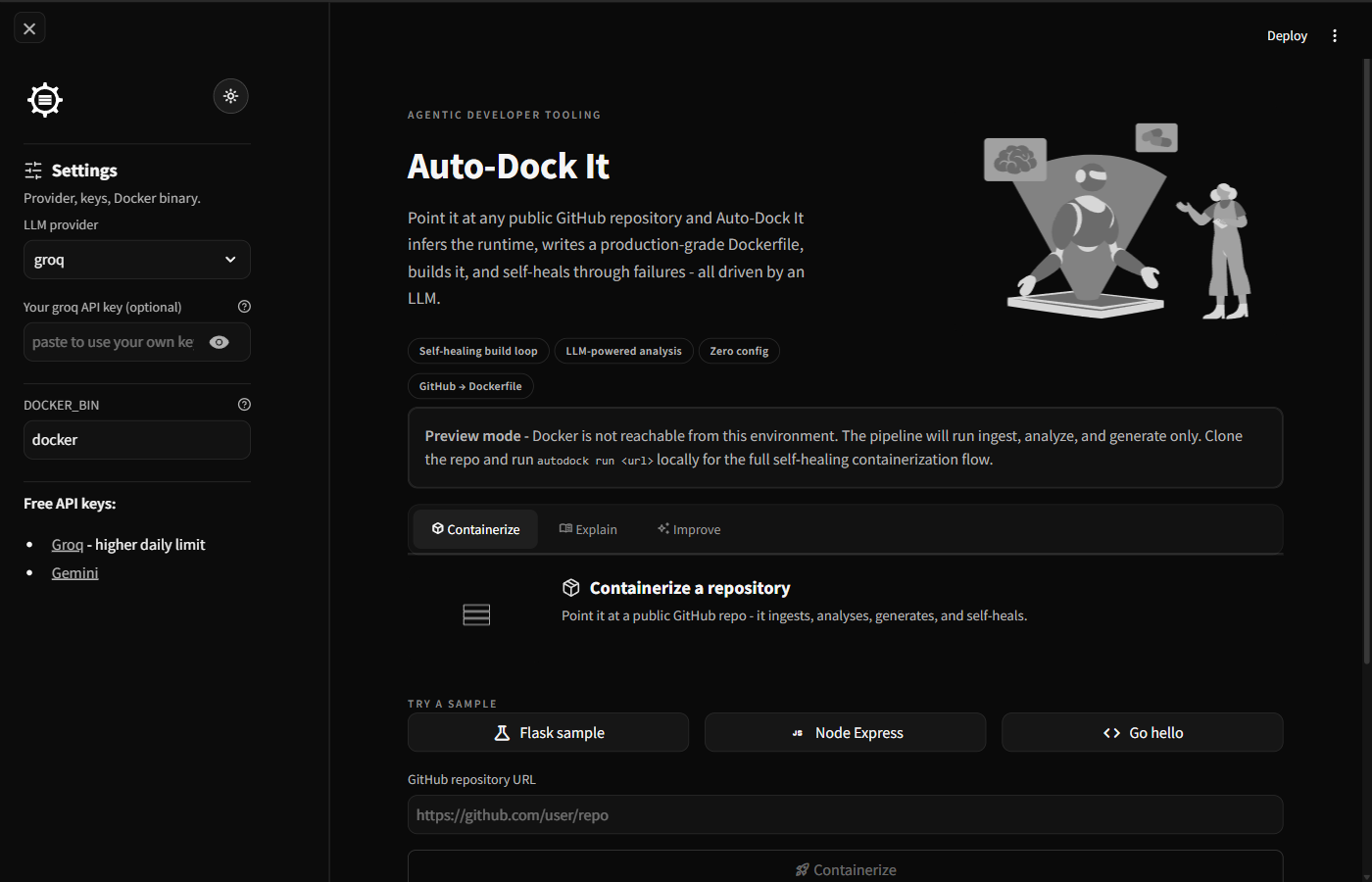
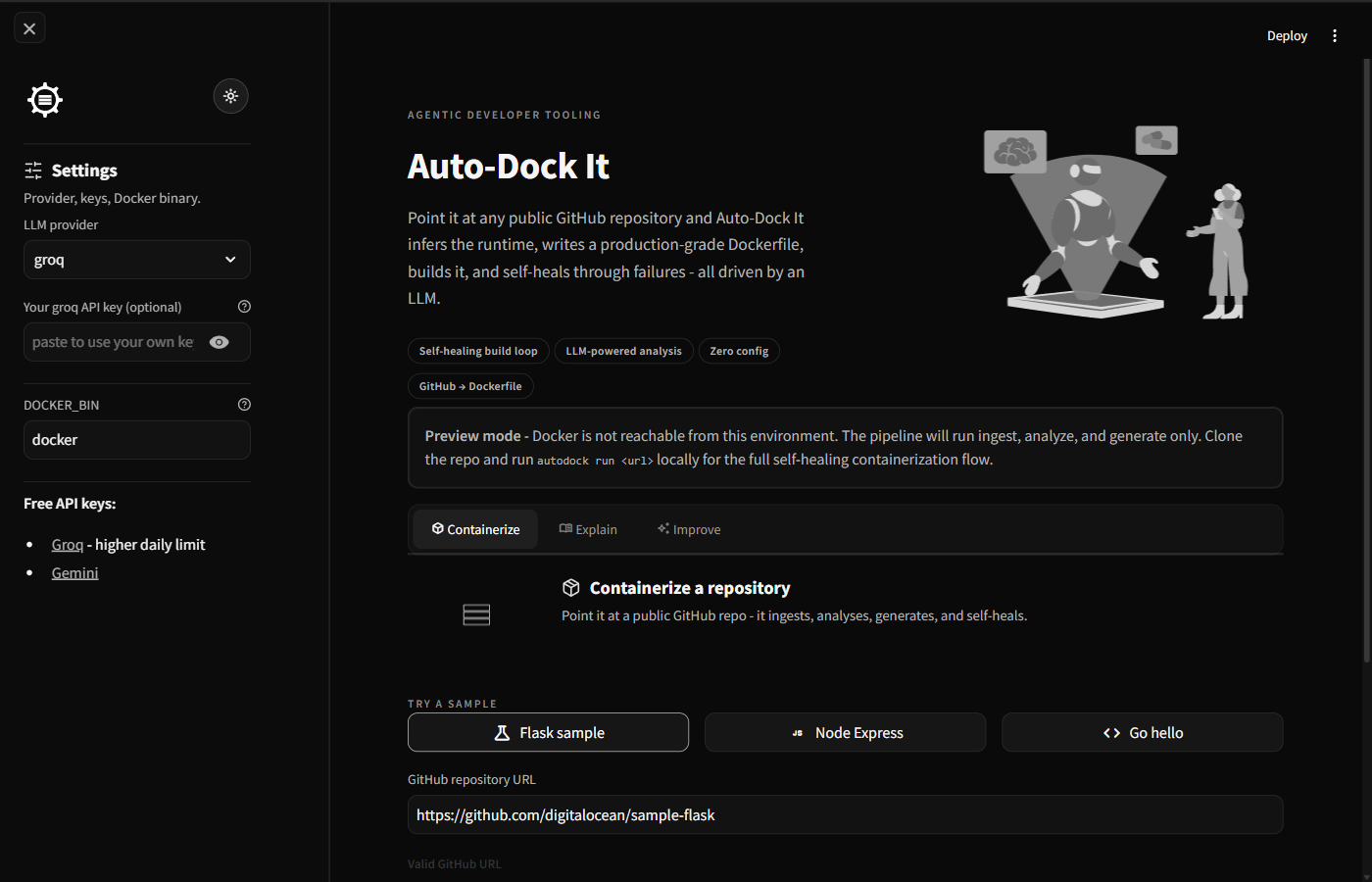
Point Auto-Dock It at a public repository. It detects the stack, writes a production-grade Dockerfile, runs the build, and self-heals build and runtime errors until your container responds — all driven by an LLM.
or run the full self-healing loop in GitHub Codespaces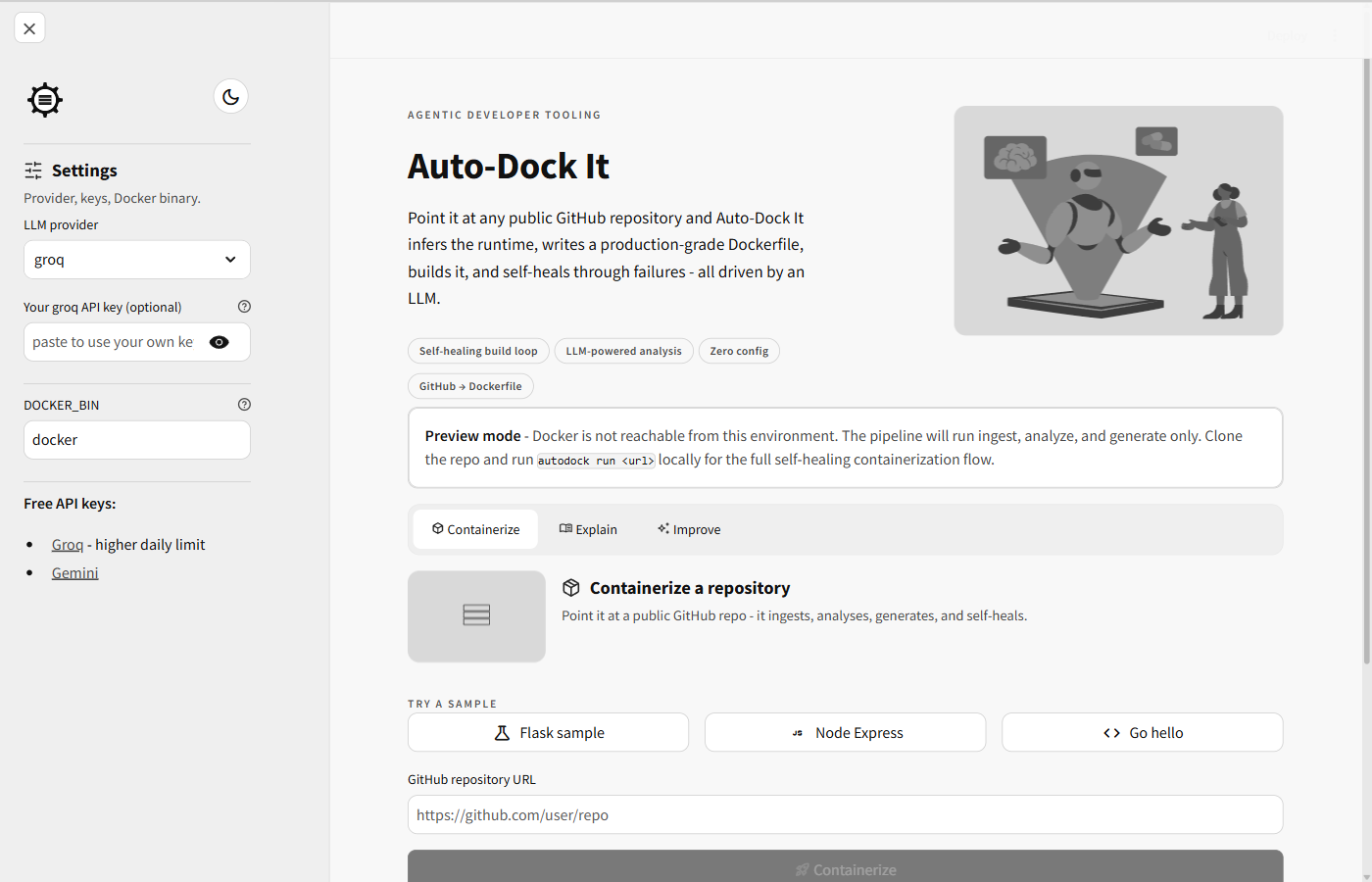
Each stage writes to disk, so an entire run is reproducible — from the shallow clone to the final HTTP check. Build and validate loop back through the LLM when something fails.
Shallow-clones the repo (depth 1, 200 MB cap). Validates the URL against github.com before any network call.
Reads manifests, tree, README and entrypoints, then asks the LLM for a structured RepoProfile. Cached per commit SHA.
Writes a production-grade Dockerfile from the profile — plus a docker-compose.yml when multiple services are detected.
Runs docker build. On failure the error is sent back to the LLM, which returns a patch; the build retries (up to 4 times).
Starts the container and polls the exposed port for HTTP 2xx/3xx. Bad logs trigger up to two runtime-repair cycles.
every artifact → output/<run_id>/ (attempts/, usage.json, validation.txt)
One-shot tools hand you a Dockerfile and wish you luck. Auto-Dock It runs a closed observe → decide → act loop: it reads the failure, patches, and retries until the container actually responds.
Up to 4 retries
The truncated build error and the current Dockerfile go back to the LLM, which returns a patch. The build is retried until it succeeds or the budget runs out.
broken-flask: the LLM sed-patched a flsk typo in requirements.txt at build time.
Up to 2 cycles
Container logs are fed back to the LLM, which diagnoses why the app failed to come up and patches the Dockerfile accordingly.
runtime-loop-fired: the LLM read a FileNotFoundError and added apt-get install -y pandoc.
Both loops in one run: in jenkins-demo, the runtime loop patched a bind-port mismatch (Flask on 8501, EXPOSE said 8000), the inner build loop fixed a USER-ordering bug the first repair introduced, and the second build came back HTTP 200.
From multi-service Compose generation to a full audit trail of every repair attempt — Auto-Dock It is built for real, messy repositories.
Failed docker build output is fed back to the LLM for an automated patch and retry — non-standard repos included.
If the container starts but the app doesn't respond, container logs drive a second LLM repair cycle.
Auto-generates docker-compose.yml for multi-service repos, with host-port discovery via docker compose port.
Paste a Gemini or Groq key in the UI to use your own quota and bypass shared rate limits.
Every attempt, the error that triggered the repair, and the patch are saved under output/<run_id>/attempts/.
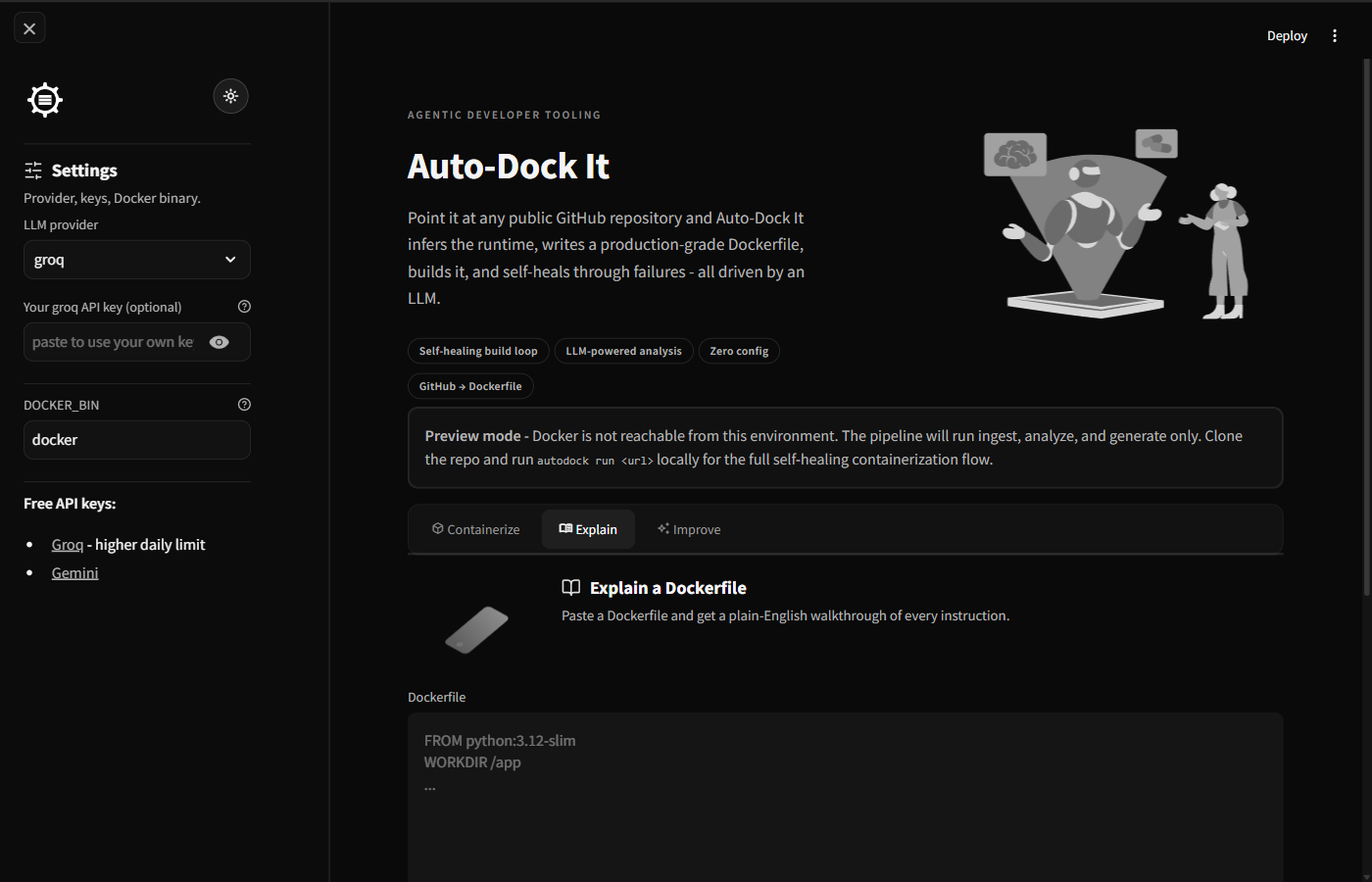
Get a line-by-line walkthrough of any Dockerfile and prioritised improvement suggestions with diffs.
After a successful run, autodock pr forks the repo and opens a pull request with the generated artifacts.
Symlink traversal guards, Dockerfile and Compose safety scans, prompt-injection guards, optional no-network builds.
Nixpacks, Buildpacks and repo2docker automate the happy path. Auto-Dock It keeps going when the build breaks.
| Capability | Nixpacks | Buildpacks | repo2docker | One-shot LLM | Auto-Dock It |
|---|---|---|---|---|---|
| Handles unusual / non-standard repos | Partial | Partial | No | Partial | Yes |
| Self-heals build errors | No | No | No | No | Yes |
| Self-heals runtime errors | No | No | No | No | Yes |
| Multi-service (Docker Compose) | No | No | No | Partial | Yes |
| Full audit trail of every attempt | No | No | No | No | Yes |
| Bring-your-own LLM key (BYOK) | n/a | n/a | n/a | n/a | Yes |
| Open source | Yes | Yes | Yes | n/a | Yes |
Live captures of the deployed web UI. The shots follow your theme — light when you read in light mode, dark when you read in dark.
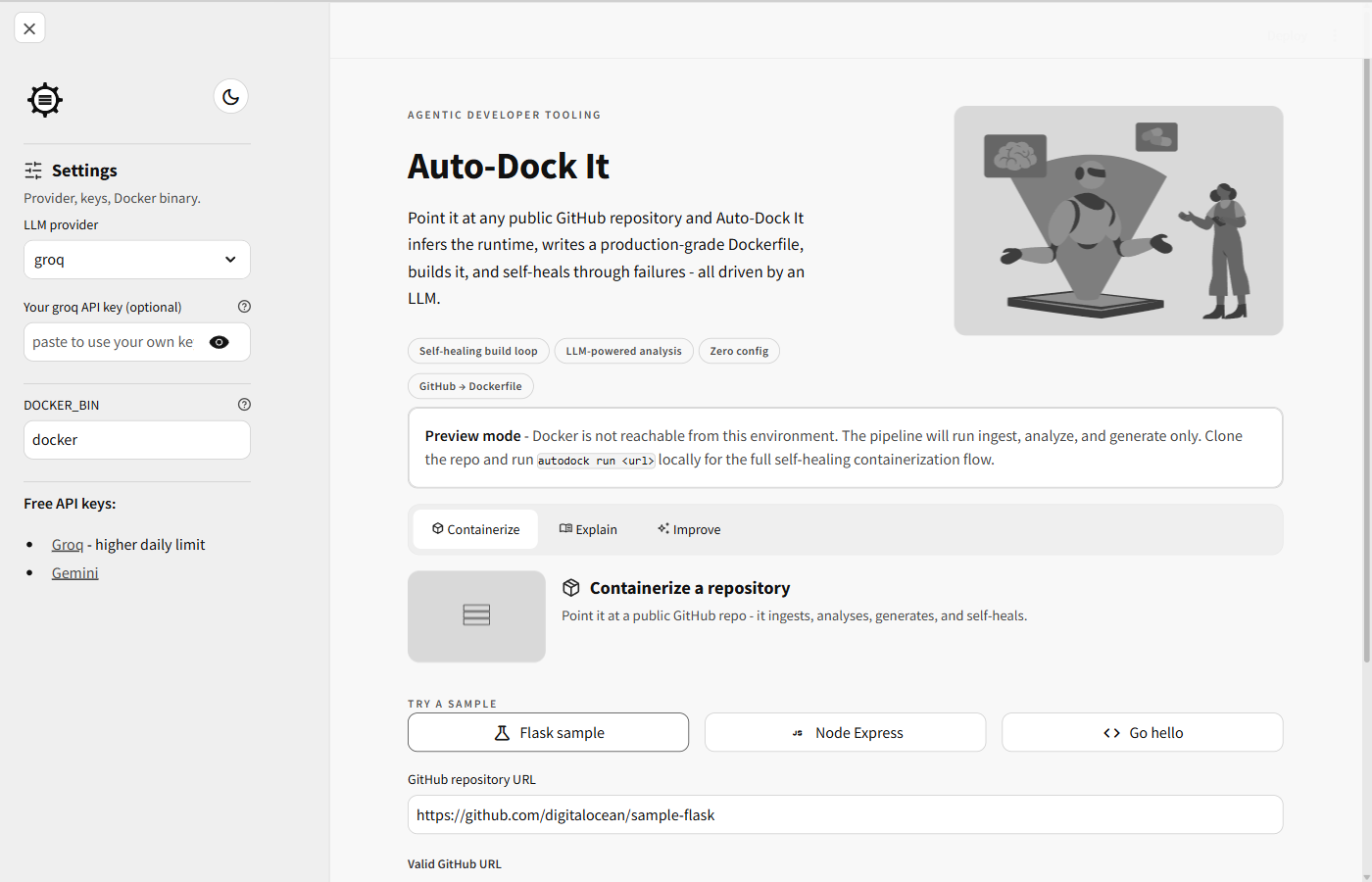
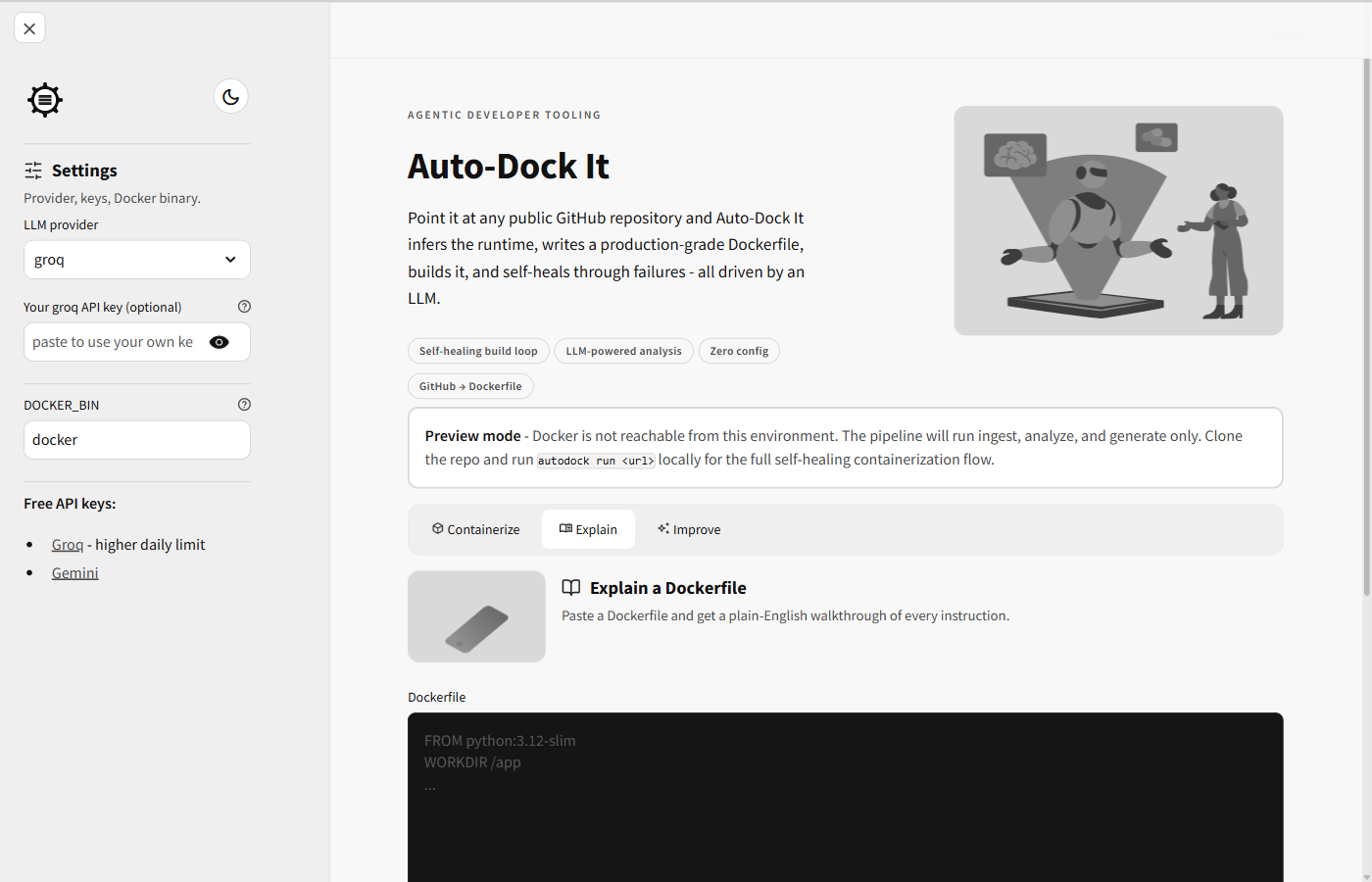
Each demo folder ships every attempted Dockerfile, the build error, the LLM's repair, and the final HTTP validation — proof the self-healing loop fires on real failures.
Flask; bind-port mismatch (8501 vs EXPOSE 8000)
HTTP 200 — sed patched port, inner loop fixed USER ordering
Python + Flask + gunicorn
HTTP 200
Node + Express
HTTP 200
Flask with a flsk typo in requirements.txt
HTTP 200 — LLM sed-patched the typo at build time
Flask + Redis multi-service
HTTP 200 — auto-generated docker-compose.yml
Flask + Postgres with psycopg
HTTP 200 — compose with postgres:16 sidecar
Flask requiring an undeclared env var
HTTP 200 — grep found REQUIRED_SECRET, LLM added ENV
Flask route reading a hardcoded /etc path
HTTP 200 — LLM spotted the path, added RUN mkdir
Flask shelling out to pandoc
HTTP 200 — LLM read FileNotFoundError, added apt-get install pandoc
A real test suite, clean lint and security scans, and a CI matrix across four Python versions — with nine recorded runs as integration evidence.
0 passing
Unit & integration tests
in under 3 seconds
Clean
Lint
ruff check
Clean
Static security
bandit -r
0 recorded
Captured demo runs
with full attempt history
0.10 – 3.13
Python matrix
GitHub Actions CI
Recorded
Nested self-heal
jenkins-demo run
The things people ask before pointing it at their first repository.
Give Auto-Dock It a public GitHub URL. It shallow-clones the repo, uses an LLM to detect the stack from manifests and source, writes a production-grade Dockerfile, runs the build, and self-heals errors until the container responds — no manual Dockerfile writing required.
Nixpacks and Buildpacks automate only the happy path. Auto-Dock It runs an agentic loop: when a build or runtime fails, the error is fed back to the LLM, which patches the Dockerfile and retries. It handles non-standard repos, multi-service Docker Compose setups, and keeps a full audit trail of every attempt.
Yes. Auto-Dock It is MIT-licensed and open source. It works with free-tier LLM keys from Google Gemini or Groq, and you can bring your own key (BYOK) to bypass shared rate limits.
The analyzer reads manifests and source for Python, Node.js, Go, Java, Ruby, and PHP, including package.json, requirements.txt, pom.xml and more. Because generation is LLM-driven, it adapts to non-standard project layouts too.
Yes. When multiple services are detected, Auto-Dock It also generates a docker-compose.yml and discovers host ports via docker compose port — for example a Flask app with a Postgres or Redis sidecar.
If docker build fails, the truncated error and the current Dockerfile are sent back to the LLM, which returns a patch; the build is retried (up to four times by default). A second runtime-repair loop feeds container logs back to the LLM if the app starts but does not respond.
Auto-Dock It includes symlink path-traversal protection, an LLM-output Dockerfile and Compose safety scanner, prompt-injection guards, multi-user key isolation, and an optional network-isolated build mode. Still, building any repo runs its code, so prefer trusted sources or a throwaway environment.
Yes. There is a Typer-based CLI (autodock run, explain, improve, pr, list, doctor) and a Streamlit web UI with live log streaming. The hosted demo runs in preview mode; run locally or in a Codespace for the full self-healing loop.
Try the hosted demo, or spin up the full self-healing pipeline in a free GitHub Codespace. No credit card, free-tier LLM keys welcome.